 pixel
pixelFree online image tools · No uploadsCREATE
SMARTER.
26 free image tools to compress, resize and edit.
All in your browser. All yours.
Make it yours.
A smaller file. A fresh format. A whole new look.
Find the right tool for your next move.
26 tools available
Compress
Smaller files. Same big ideas.
Resize
The right size for every space.
Convert
A fresh format. A familiar image.
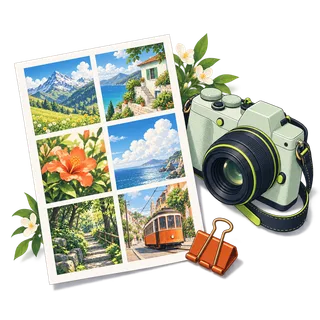
Contact sheet
Your images, beautifully together.
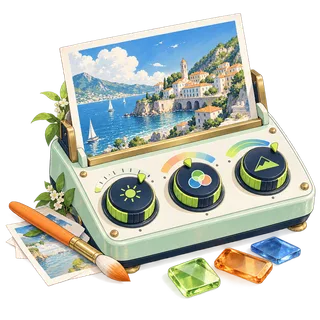
Photo editor
Your everyday creative workspace.
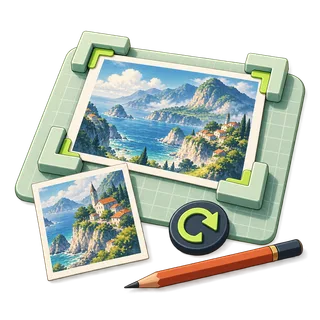
Crop
Keep exactly what matters.
Every pixel.
A little possibility.
Make your image your own in the photo editor.
Explore the editor
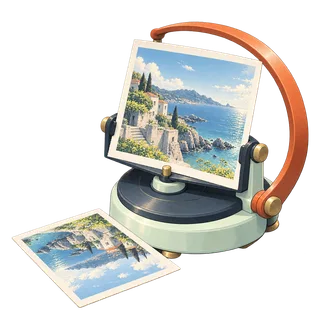
Rotate & flip
Find a fresh perspective.
Light & color
Bring your picture into balance.
Filters
A different mood for every image.

Watermark
Make your signature part of it.
Shapes & arrows
Point out the important details.
Blur & pixelate
Choose what stays in focus.
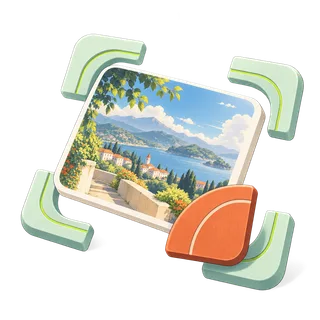
Round corners
A softer frame for your image.
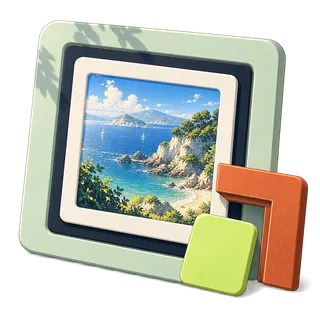
Border & padding
Give your image room to breathe.

Remove a color
Make a simple background disappear.
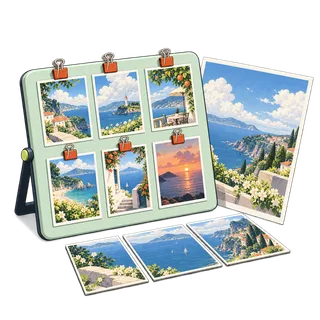
Merge images
Bring different views together.
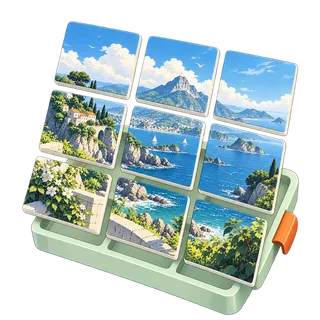
Split into tiles
One image. A set of possibilities.
Batch processing
The same useful edit, across a set.
Color palette
Discover the colors in your image.
Image information
Know what is inside your file.
Remove metadata
A fresh copy with less baggage.
Base64 converter
Image bytes, ready for a data URL.

Favicon generator
A small mark with a clear identity.
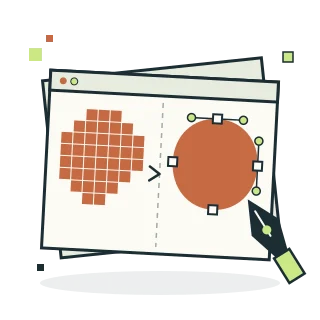
Image to SVG
Pixels in. Smooth shapes out.
Images to PDF
A simple document from your pictures.
Compare images
See the difference, side by side.
No tools found.
Try a different keyword or choose All tools.
Take the
scenic route.
Explore the tools with an original coastal illustration. A fresh canvas is already waiting.
Try the sample image
Three steps. That’s it.
Bring your image
Choose a local file or explore with the sample. Your original stays untouched.
Make it your own
Choose your settings. Keep it simple, or get precise with pixels and quality.
Preview & download
See the real result, then save a new copy. Ready for its next destination.
Good pixels, explained.
Make the most of every image.
JPEG, PNG or WebP?
Choose a format for photos, graphics and transparent images.
Reduce image file size without surprises
Understand quality, pixel dimensions and best-effort target sizes.
Fit vs crop: resize without distortion
Keep the whole image or fill a new shape deliberately.
Make a contact sheet from local images
Choose a grid, spacing and labels for a useful visual overview.
How to crop an image to an exact aspect ratio
Choose square, landscape or portrait crops, understand pixel coordinates and preserve the area you need.
How to remove source EXIF and GPS metadata from images
Understand what canvas re-encoding removes, its quality tradeoffs and why metadata inspection has limits.
How to turn images into a PDF without uploading them
Make a multi-page image PDF with paper size, orientation, page order, margins and quality set in your browser.
Questions, answered.
What is PixelDesk?
PixelDesk is a free collection of 26 browser-based image tools. It covers compression, resizing, conversion, editing, batch workflows and utilities such as color palettes, favicons, image PDFs and SVG tracing.
Do I need to upload my images or create an account?
No account is required. Selected image bytes are processed in your browser memory, without an image-upload endpoint. The site still requests its own pages, scripts and artwork from the host.
Which image formats are supported?
Open still JPEG, PNG, WebP and AVIF files, and HEIC photos in browsers that can decode them, such as Safari. Exports are JPEG, PNG or WebP, plus SVG from Image to SVG. GIF, animated images and RAW formats are not supported.
Can I share photos to PixelDesk from my phone?
On Android, install PixelDesk from the Chrome menu. It then appears in the share sheet of your gallery and other apps, and shared images open locally in the tool you choose.
How does the live preview work?
Most editing settings update a scaled image for fast feedback. Crop and color picking start with Original so you can select an area or pixel. Process the image to create the full-size output and see its actual bytes.
Does PixelDesk work offline?
Yes, after your first visit. Your browser keeps a copy of the pages and scripts, so the editors keep working without a connection. Supported browsers can also install PixelDesk as an app. Your images are never part of that copy.
What are the file limits?
Images up to 20 MiB and 64 megapixels open. Photos above 24 megapixels or 8,192 pixels per side are edited at that size, and color effects run at up to 12 megapixels. Multi-image tools accept up to 12 files and 60 MiB combined; Base64 allows 5 MiB of decoded data.